Anthropic puts Claude inside Google Workspace, with edits users can approve
The beta adds a Claude sidebar to Docs, Sheets and Slides, plus connectors for creating and editing Google files from inside Claude.
By Ryan Merket · Published
Primary source: Claude
Why it matters
Anthropic is bringing Claude into Google's core work apps, where the competition is over both AI capability and control of the files people already use.
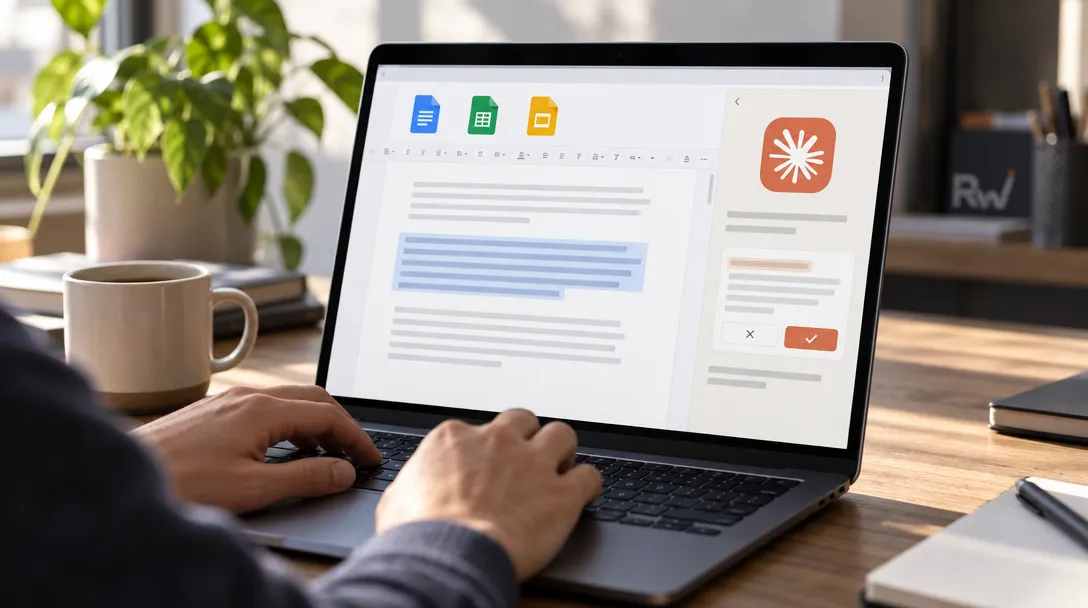
Anthropic has put Claude inside Google Docs, Sheets and Slides, giving paid subscribers a way to ask the assistant to edit an open file without moving its contents into a separate chat. The public beta, announced on October 6th, also lets users open Google files beside a Claude conversation and work on them there.
The product carries the concerns that shaped Anthropic's founding into an everyday workplace workflow: how much an AI system can do, and how much control a person keeps over its actions. Dario Amodei and Daniela Amodei, siblings who co-founded Anthropic after working at OpenAI, built the company around research into AI systems that are steerable and reliable. In this beta, Anthropic makes that promise concrete with an "Ask before edits" setting that presents proposed changes for approval. Users can also choose "Accept all edits" and let Claude apply changes without stopping.
Claude moves into the file
The new Claude for Google Workspace add-on opens in a sidebar beside the active file. Claude can read the document, spreadsheet or presentation, take a user's selection into account, and make changes in place. Anthropic says larger rewrites appear as suggestion cards that users can apply or dismiss; smaller changes, such as fixing a sentence or changing a heading, can be made directly.
Anthropic describes a broader set of tasks across the three apps. In Docs, Claude can restructure a document or turn notes into a table. In Sheets, it can write formulas, create pivot tables and charts, add tabs, and use Python for some data-cleaning and joining tasks. In Slides, it can build slides using a deck's layouts and themes, then check for overlapping or hard-to-read elements. These are Anthropic's product claims; Anthropic did not publish adoption, revenue or customer figures for the beta.
The add-on is available in beta on paid Claude plans, including Pro, Max, Team and Enterprise, and requires permission to install Google Workspace Marketplace apps. That last requirement gives Workspace administrators a practical gate: they can deploy it across an organization, limit it to selected groups or block Marketplace apps. A user whose administrator has not allowed the add-on cannot install it independently.
A second route through Claude
Anthropic is also releasing Google Docs, Sheets and Slides connectors for use inside Claude. A user can paste a Google file link or ask Claude to create a new file; it opens next to the conversation for joint editing. Anthropic says access follows the user's Google sharing permissions.
The two routes serve different starting points. The add-on brings Claude to a file already open in Google Workspace. The connectors let someone start in Claude and bring a Google file into the conversation. Anthropic's support documentation says the add-on reads the open file, while other Drive files are outside its reach by default unless the user enables a connector. That distinction gives administrators and users a more precise account of what Claude can access than the headline idea of an assistant "inside" Workspace might suggest.

Anthropic also says edits are visible in Google file version history, while the conversation itself remains in the user's browser rather than appearing to collaborators. The default approval mode offers a review step; it does not make every possible action available. Anthropic's documentation lists actions Claude cannot take, including changing file ownership or sharing access. Those boundaries matter in shared company documents, where an AI edit has consequences beyond the person prompting it.
The fight is over where work happens
Google already offers Gemini within its Docs, Sheets and Slides products, including a side panel for help with files. Anthropic is therefore asking Workspace users to add a competing assistant to Google's environment rather than asking them to leave it. For Google, the strategic advantage is built-in distribution and control of the tools. For Anthropic, the bet is that some users will want Claude's models and existing Claude connectors while keeping their work in Google's file formats.
That makes the integration more consequential as a distribution move than as a new document editor. The assistant can draw on connectors and skills users already have in Claude, according to Anthropic, while the new add-on makes the open file the immediate workspace. The launch puts Claude closer to the point where routine work is done: writing a brief, correcting a spreadsheet or revising a presentation.
The economics remain untested in public. Anthropic has not reported how many customers will install the beta or how often they will use it, and the release provides no product-level revenue figures. A paid-plan requirement gives the feature a route to existing subscribers, but says nothing yet about whether the Workspace integration will win new customers or deepen usage among current ones.
For Anthropic's founders, the product turns a broad ambition around controllable AI into a visible choice inside the work itself: review each proposed edit, or let Claude proceed. Whether users trust that choice enough to hand over more of their documents and spreadsheets will be the useful measure of the beta.